A brush that paints material, not colour.
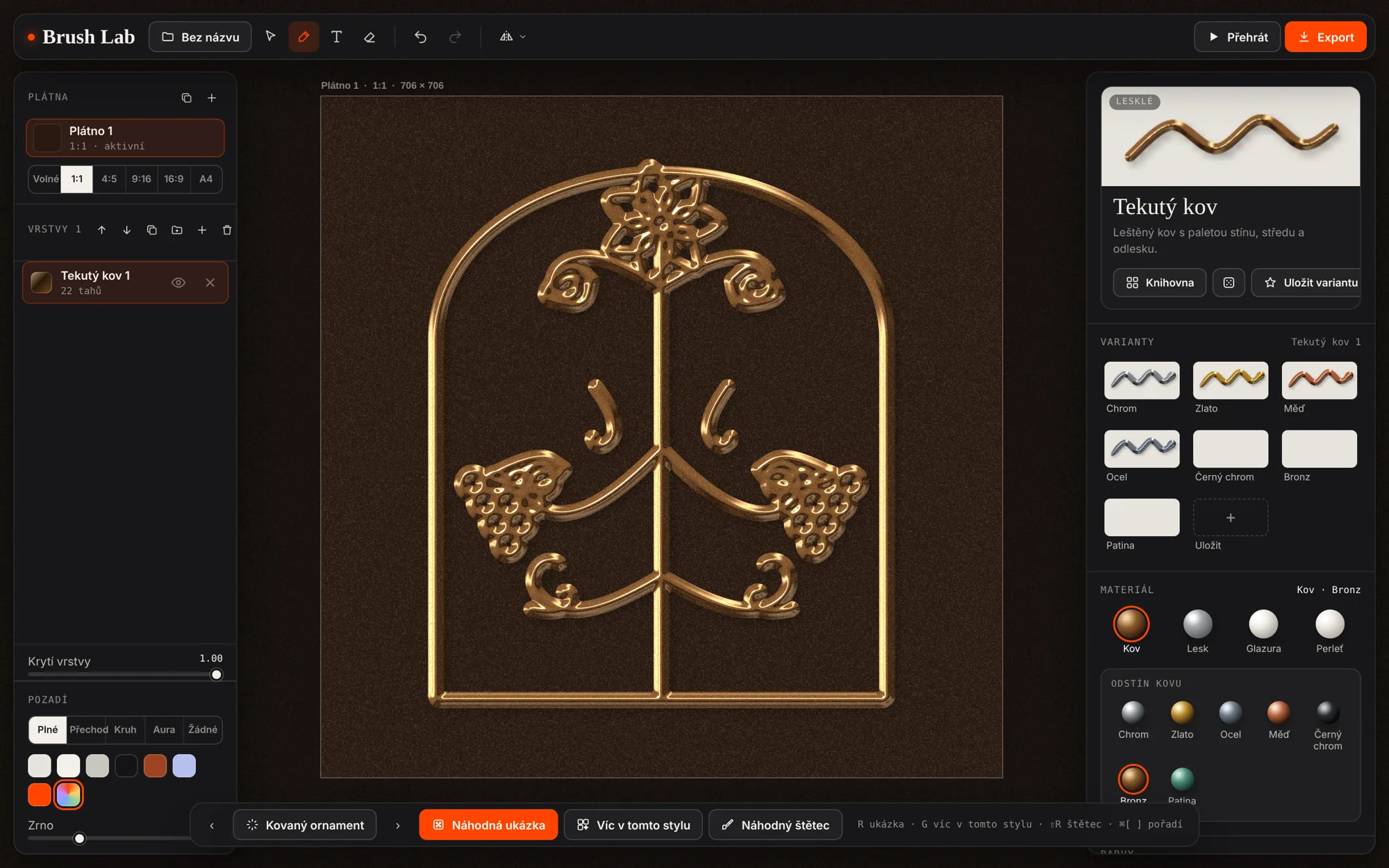
Glaze, clay, liquid metal, foam — textures I kept making by hand in 3D tools.
Material brushes·Built with AI skills
A brush that paints material, not colour.
Glaze, clay, liquid metal, foam — textures I kept making by hand in 3D tools.
I am a designer, not a developer.
Hand-made 3D textures were slow and never the same twice. The tool had to feel like drawing, not like setting up a render.
Direct the AI like a studio — and stay the art director of every pixel.
I designed every brush, judged every render and rewrote what did not feel right. One line in, a material with light, shadow and weight out.
Try it
The real tool, running right here. Pick a brush in the panel, drag on the canvas. Open Brush Lab full screen ↗
Made in the lab
My own pieces, recorded straight from the editor: a few strokes with radial symmetry on, then the replay exported as video. Nothing was animated by hand.
The editor
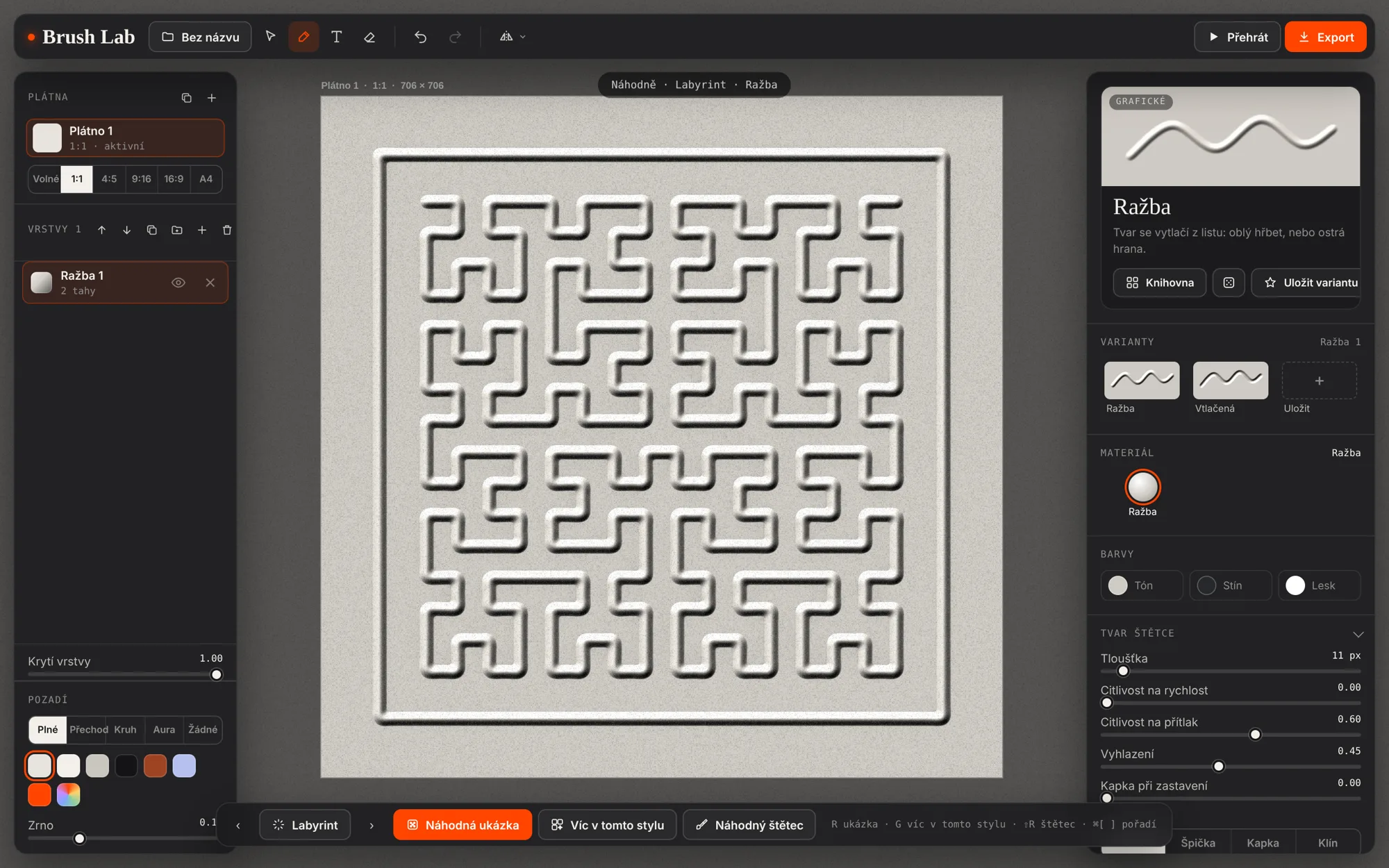
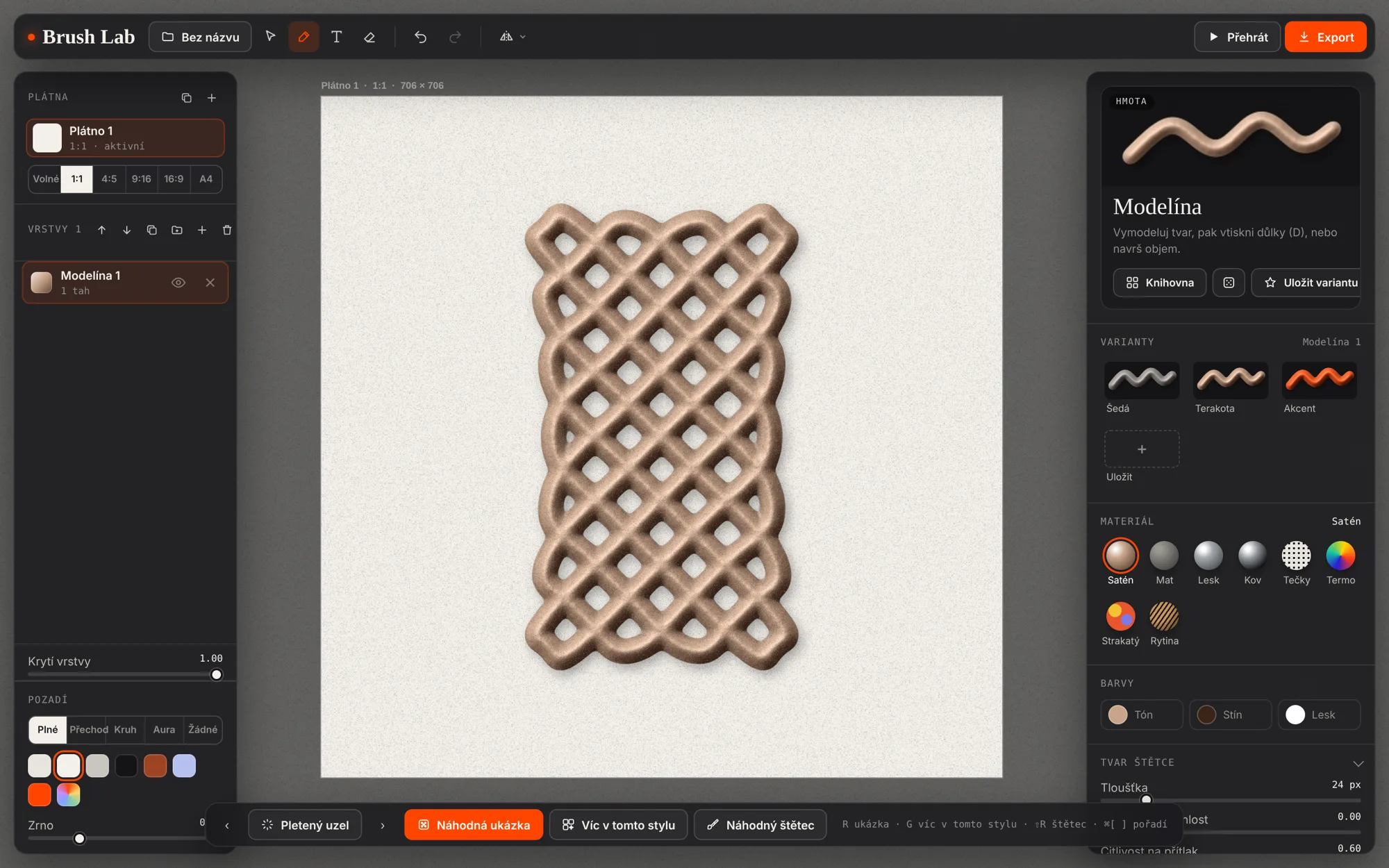
No install, no plug-ins, no render queue. Four things it does that a normal brush cannot.
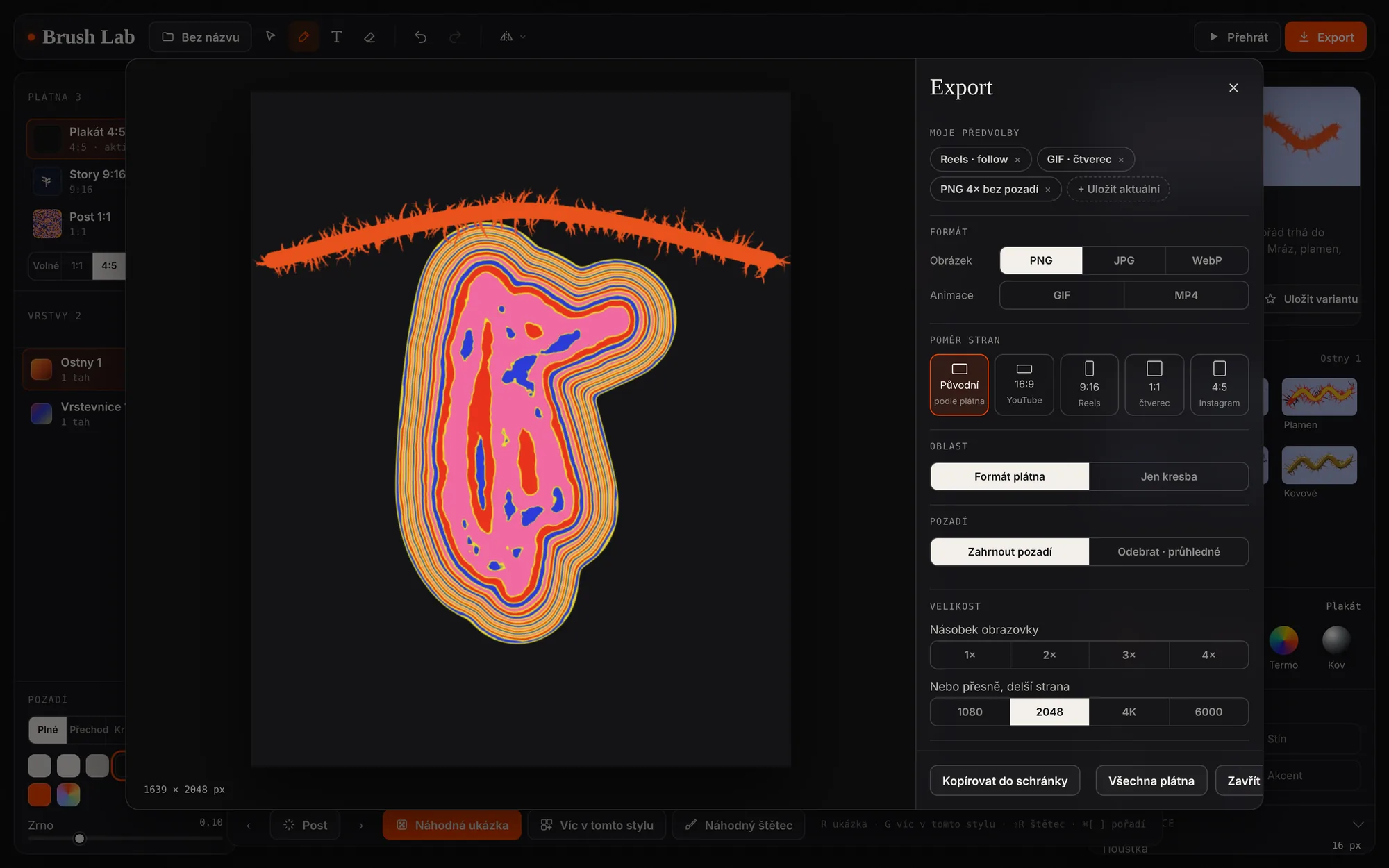
How it works
Every brush runs the same four steps. The brushes only differ in what they build on the line and how the light reads it.
Speed, pauses and curvature of the stroke drive its width. Slow down and it swells.
The brush builds on the line: tubes, beads, thorns, leaves, grains or bubbles.
Everything is written as heights into a WebGL2 field — strands can layer or fuse.
A shader turns heights into normals, shadows and a material: glaze, metal, foam, clay.
Raw exports
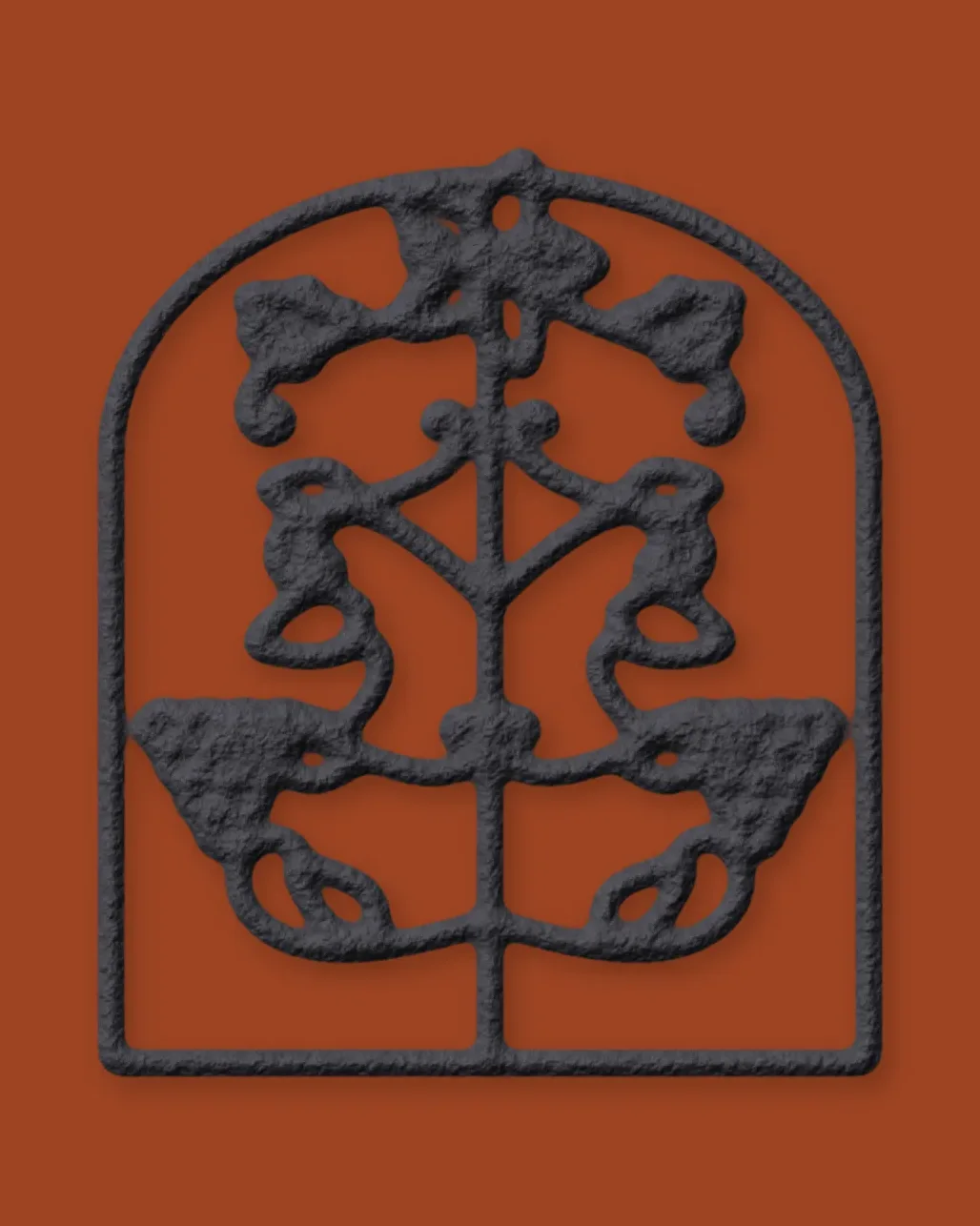
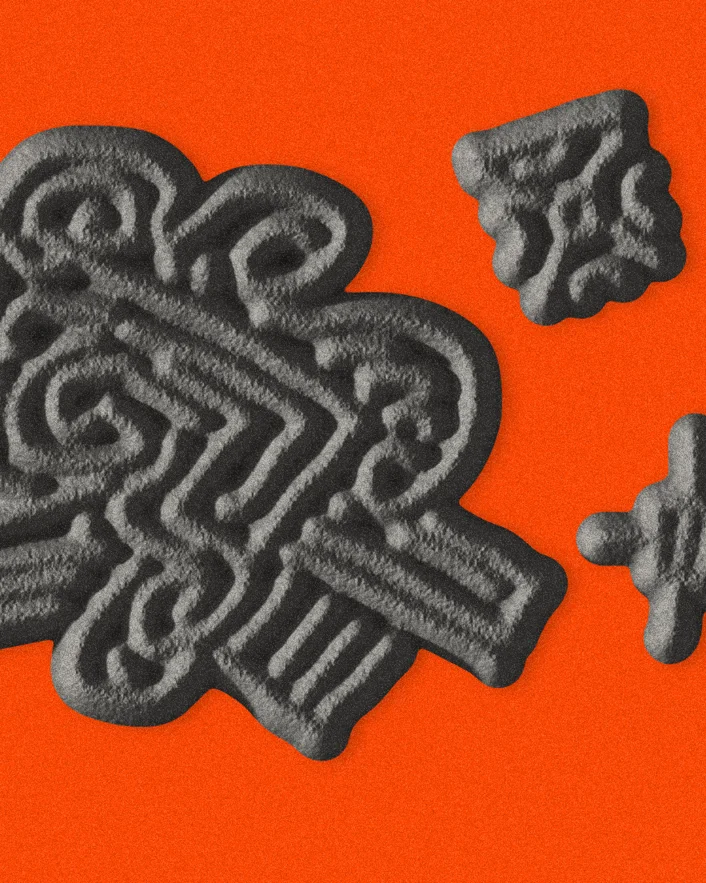
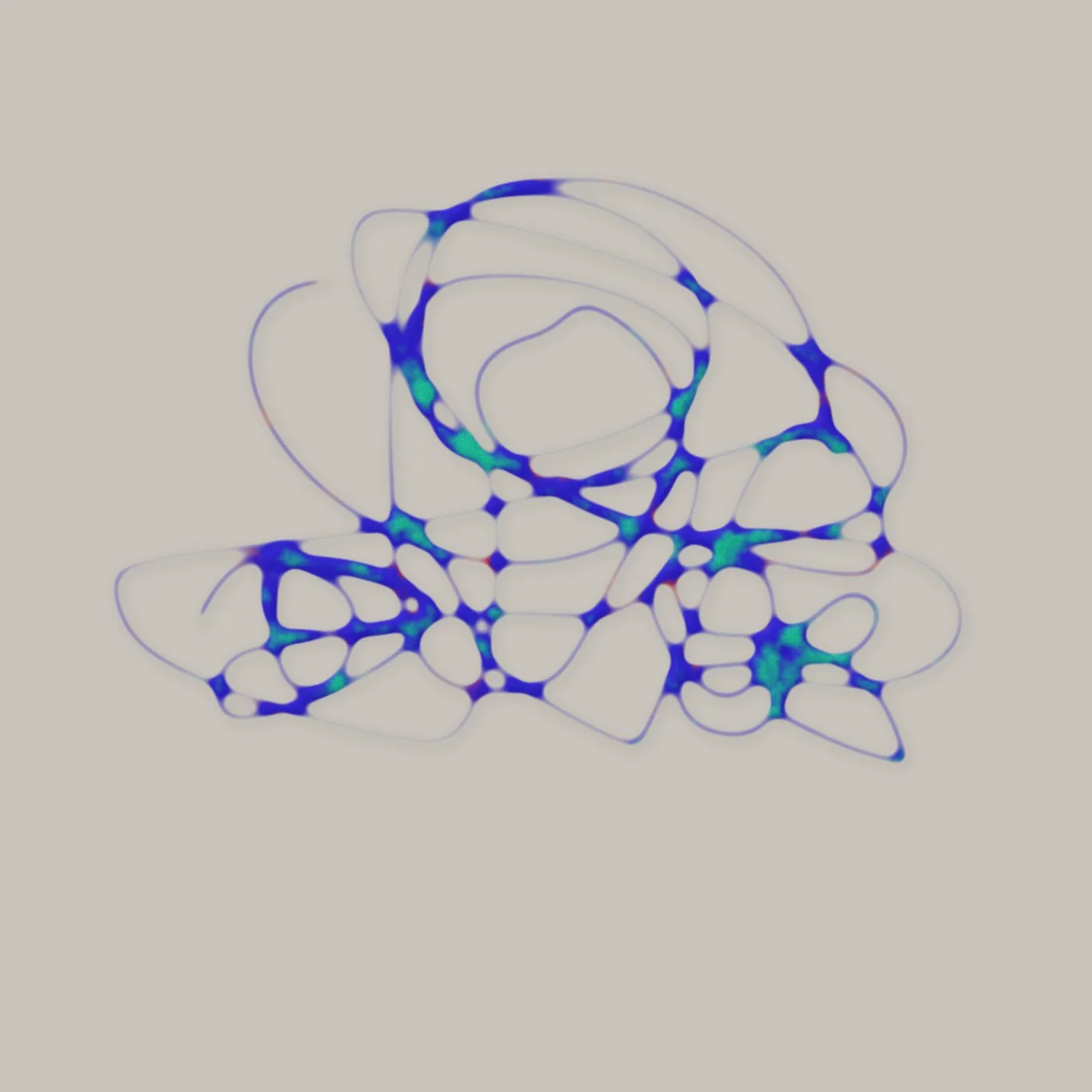
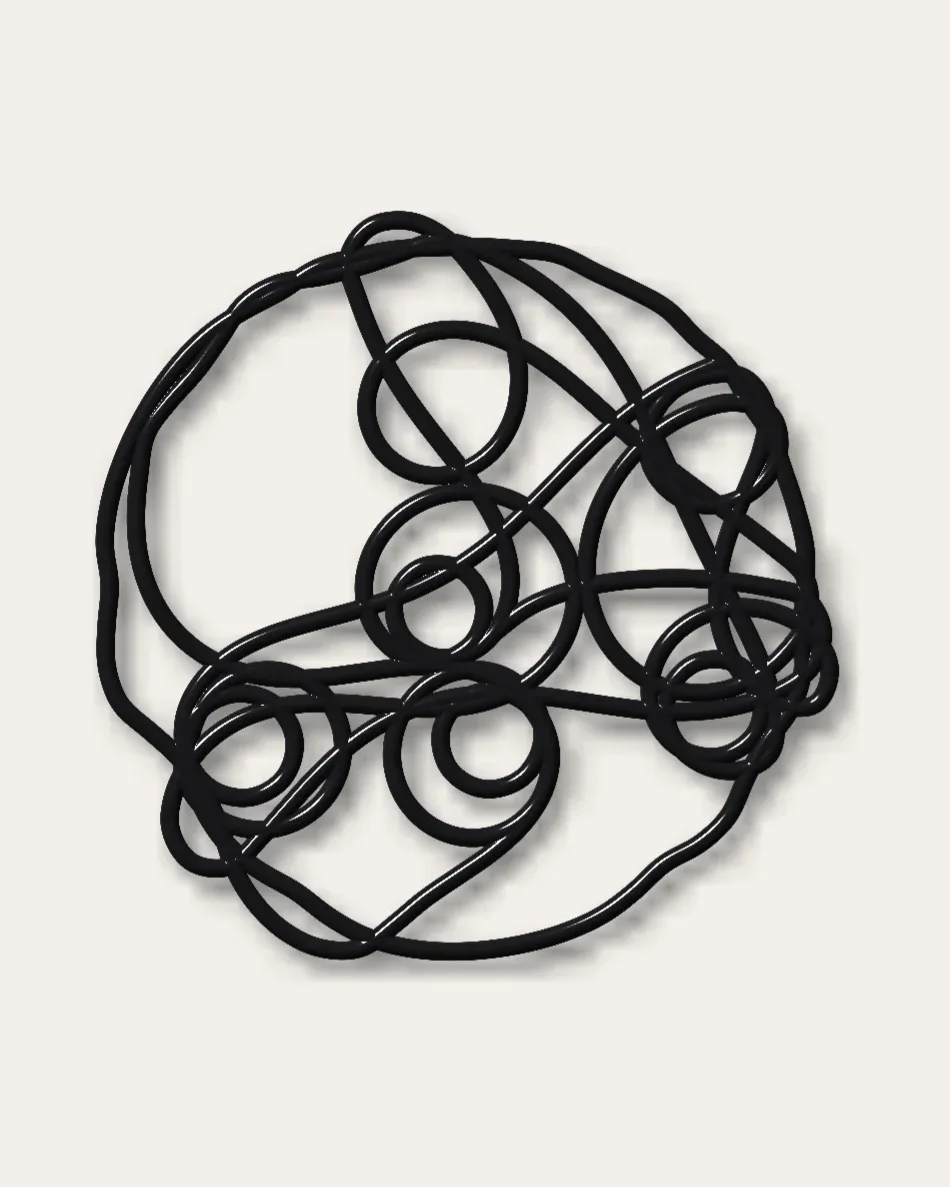
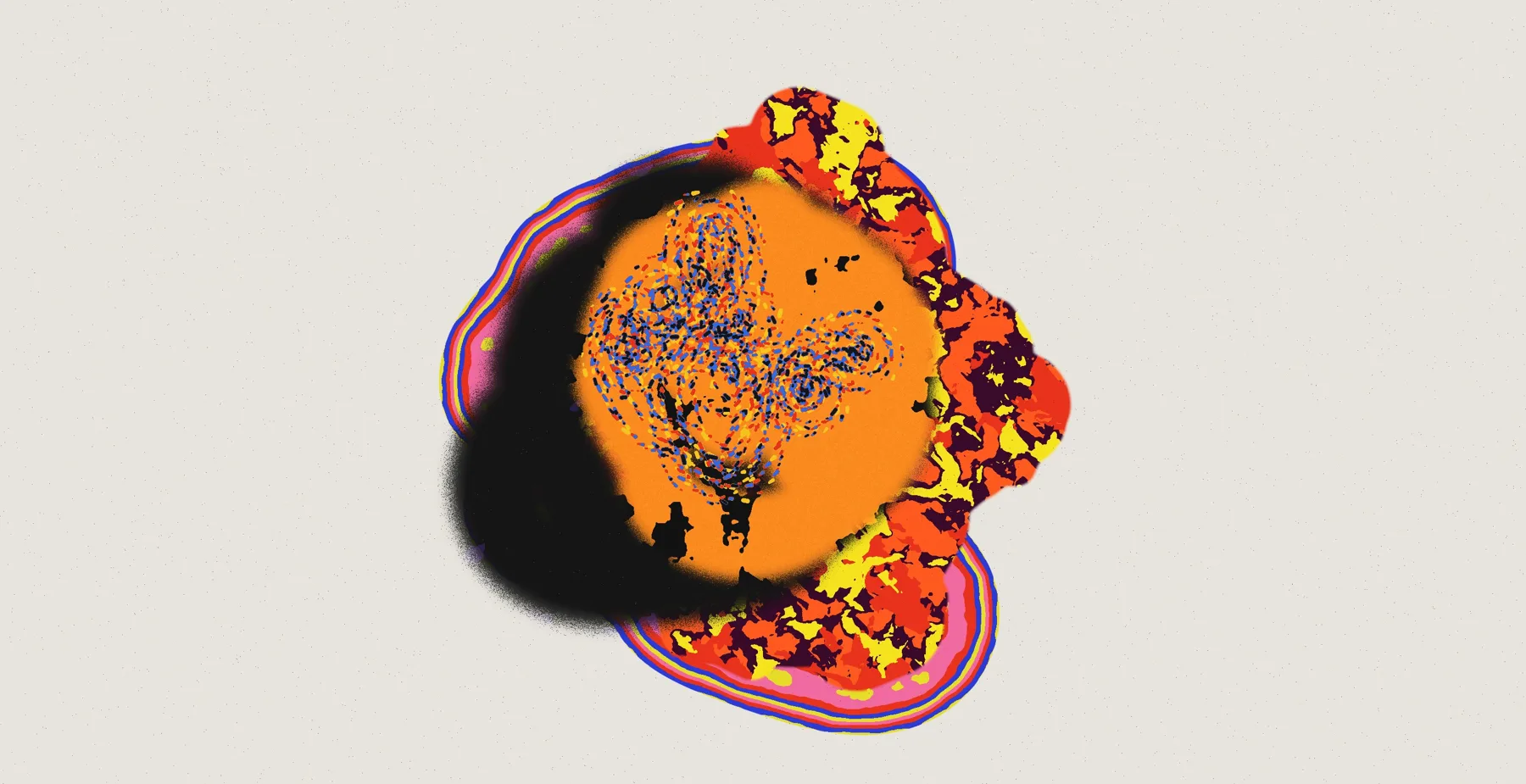
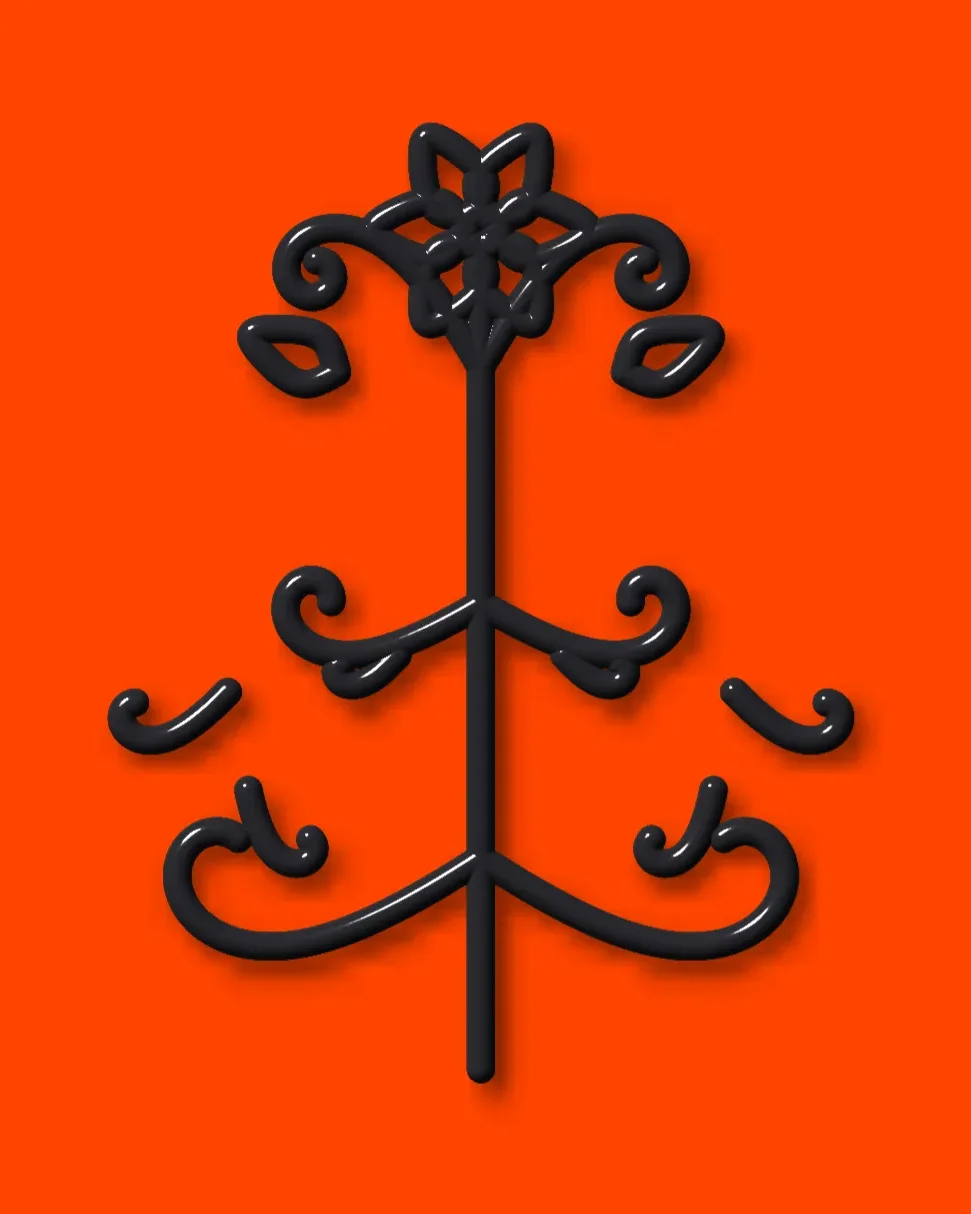
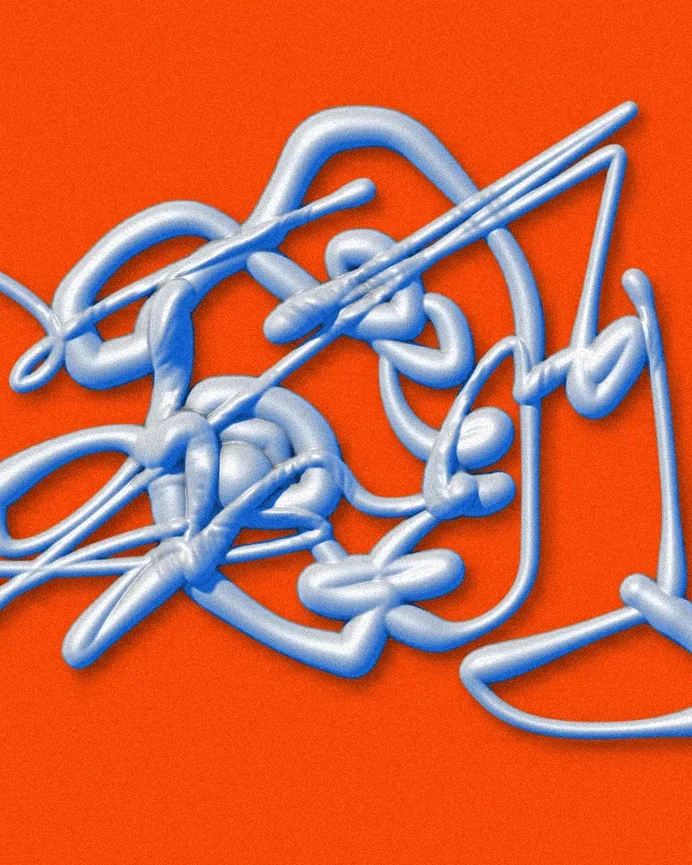
AI did not design it for me. It let me build the tool I was missing — and I stayed the art director of every pixel.
The AI writes code fast; knowing when a glaze looks like plastic is still my job.
One brush at a time, tested by hand, before moving on.
Building my own instrument changed what I dare to make with it.
Brush Lab