A quiet, exact identity — with one spark of warmth.
The essence.
Masterka is me, Tereza Mašková — a one-woman studio for brand identity, motion, web and illustration. The identity is built to feel like its maker: exact in its structure, warm and hand-made in its details.
Two names, one word.
The brand name is a contraction of the designer’s surname and first name. It reads as one confident word in Czech and English and carries a quiet echo of “master” — craft, not ego.
Precise
Calculated geometry, strict grids, kerning by eye. Nothing is accidental.
Tactile
Paper, grain, ink and watercolour. Handmade marks keep the system human.
Curious
New tools, custom AI models, motion experiments — learning is part of the brand.
Personal
One person, one voice. Direct, kind and a little playful — never corporate.
Who is behind it.
The brand is a person, so the brand book starts with her. These four traits explain most of the decisions in the following chapters.
| Name | Tereza Mašková |
| Role | Visual Designer & Creative Soul |
| Brand | Masterka Design |
| Origin | MAS (Mašková) + TERKA (Tereza) → MASTERKA |
| Based in | Prague, Czech Republic |
| Contact | maskovatereza@icloud.com · LinkedIn ↗ |
Motion, web & print
I adore motion design and animation, but I also illustrate, design websites, photograph and I’m writing my first book.
Learning & AI
I love learning new skills and bringing new tools into my process — including training my own custom AI models.
Petsy & rescue stations
I dog-sit and help as a foster carer for dog rescue stations. Dogs are my primary personal therapy.
Hands-on making
Painting, drawing and crocheting. Working with my hands is how I reset.
The logo.
A kerned Instrument Serif italic wordmark, always closed by the four-point star. The star is the brand in miniature: one warm spark in an exact system.
Drawn, not typed.
Instrument Serif Italic, optically kerned letter by letter, closed by the star: 0.53 em wide, 0.2 em from the last letter, centred two thirds up the x-height. Always use the supplied vector files — retyping will never match.
Optical kerning in 1/1000 em on top of the font’s own spacing · x-height 0.51 em · cap 0.72 em · star 0.53 em, centre 0.34 em above baseline.
A star, never a full stop.
The star is part of the logo, not an ornament next to it. It never changes to a dot or a full stop, and it is the only part allowed to move: on hover, focus or as a loader it turns 90° with a soft spring.
One voice, five forms.
Choose the form by available space and distance from the viewer. The logo always comes first; the others are supporting characters. Every form carries the star.

Logo
The default for everything: website, documents, social headers, signatures.
Monogram M✦
Avatars, favicons, stamps, watermarks — anywhere below 120 px wide.
Logo with descriptor
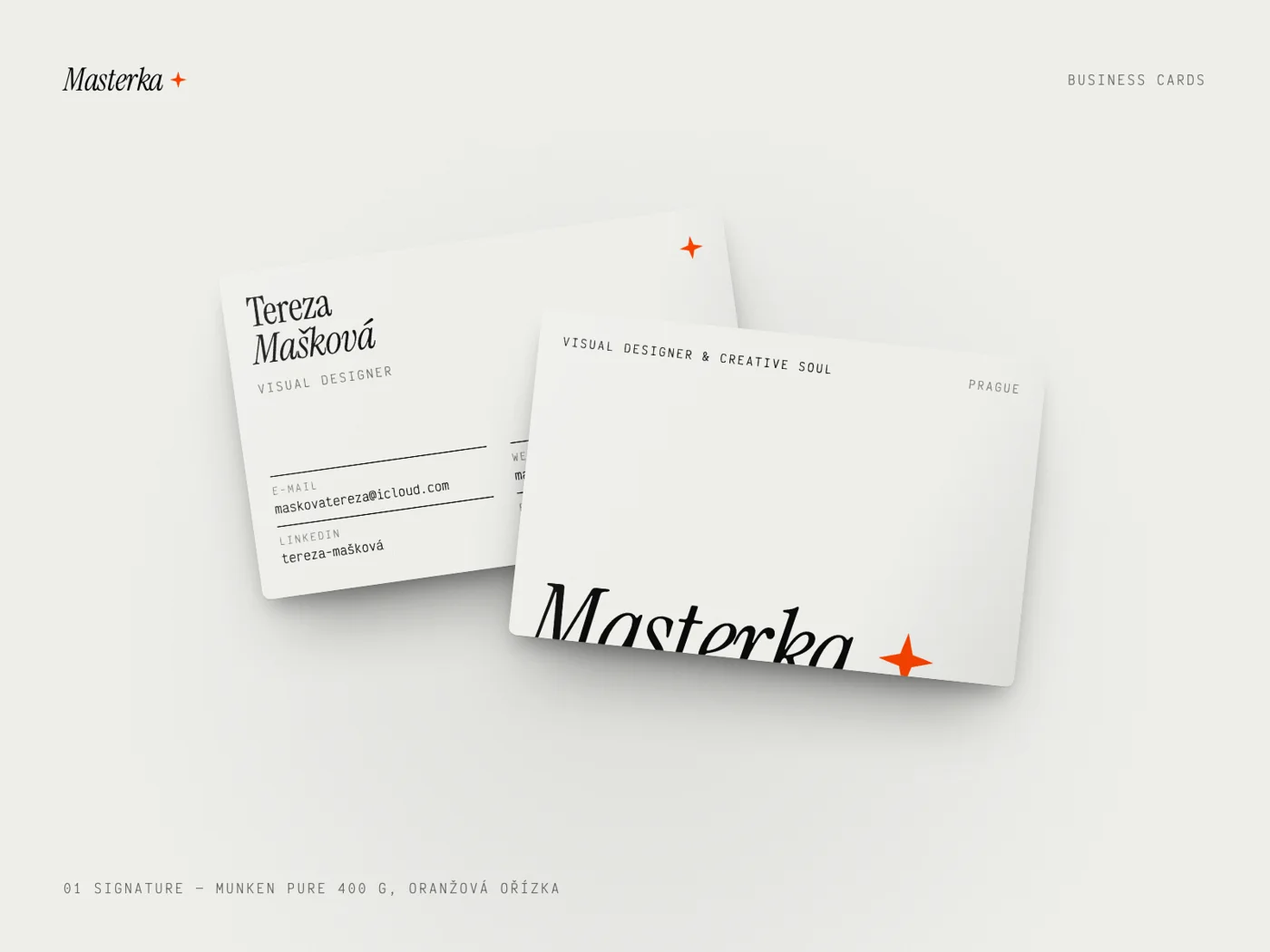
Name flush with the foot of the M, role flush with the tip of the star, 0.62 x below the baseline. Business cards, CV, proposals.
Initials TM✦
My personal signature — notes, sign-offs, hand-written moments.

The star ✦
Symbol only: bullets, badges, loaders, play buttons. Never a replacement for the logo in formal contexts.
Give it room to breathe.
The unit x equals the x-height of the logo (the height of the letter “a”). Keep at least 1x free on every side. Nothing — text, edges, other logos — enters this zone.
xxScreen · 120 pxPrint · 25 mmIcon · 16 px- ABelow 120 px / 25 mm switch to the monogram M✦.
- BBelow 16 px use the star alone.
- CThe star never drops out, at any size.
Ink, paper and one spark.
The letters take the darkest or lightest colour of the background. The star is always Accent Orange — except on orange, where it becomes Void. Mono versions are for one-colour print, embossing and foil.






Please don’t.
The logo is a drawn object. These are the eight most common ways it gets broken.
Stretch or squash. Scale proportionally only.
Rotate. The italic already carries the movement.
Retype or bold it. Instrument Serif has no bold — faux bold destroys the contrast.
Add shadows or effects. No outlines, glows, bevels.
Recolour. Only the colourways in 01.5.
A full stop instead of the star. The logo always ends with the star.
Orange star on orange. Use the On Accent version.
Busy backgrounds. Nothing sits behind the logo.
Initials, in three cuts.
The TM initials come in a stacked editorial cut, a star-divided version and a pill badge. They sign personal pieces — the logo stays the logo.
Try it on anything.
Pick a background and a form — the playground always applies the correct colourway (dark letters on light, white on dark, Void star on orange). Click the stage to spin the star.
Black + orange star on Paper — the primary colourway.
Download this SVG ↓The colour.
A near-monochrome system — paper and ink — with a single flame of orange. Restraint is what makes the accent loud.
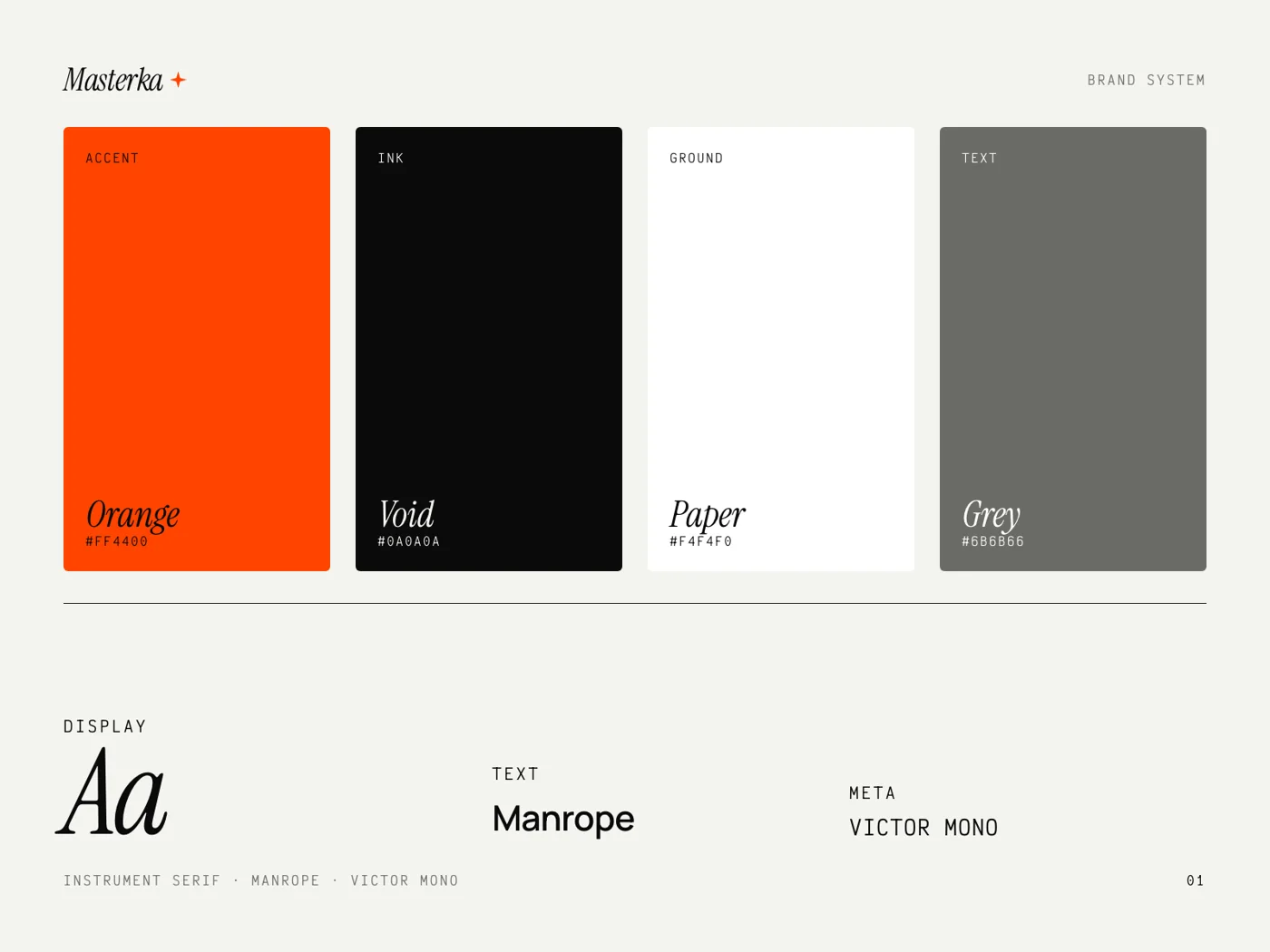
Three core colours, two helpers.
Click any swatch to copy its HEX. CMYK and Pantone are the closest matches — always proof on the actual paper stock.
Masterka
Orange
- HEX
- #FF4400
- RGB
- 255 · 68 · 0
- CMYK
- 0 · 80 · 100 · 0
- Pantone
- 172 C
- Use
- Dot, star, emphasis, one CTA per view
Void
Black
- HEX
- #0A0A0A
- RGB
- 10 · 10 · 10
- CMYK
- 60 · 50 · 50 · 100
- Pantone
- Black 6 C
- Use
- Type, dark chapters, frames
Paper
Off-white
- HEX
- #F4F4F0
- RGB
- 244 · 244 · 240
- CMYK
- 3 · 2 · 4 · 0
- Uncoated natural white stock
- Use
- Default background
Peach
& Status
- Peach
- #FF9A76 · gradients & glows only
- Green
- #22C55E · availability dot only
- White
- #FFFFFF · cards on paper
- Grey
- #6B6B66 · secondary text
Mostly paper, a little fire.
Across a full layout or a series of posts, the colours should land roughly in this ratio. Orange works because it is rare: if a layout feels orange, reduce it.
Light, not decoration.
Gradients behave like a light source: a sunrise across orange, or an ember glowing out of the dark. Always orange to peach — never rainbow, never blue.
Orange is for large things.
WCAG 2.2 contrast. Accent Orange passes only for large text (24 px+, or 19 px bold) on light grounds — on Void it passes everywhere. For small text on orange, use Void, not white.
| Pair | Sample | Ratio | Body text (AA 4.5) | Large text (AA 3.0) |
|---|---|---|---|---|
| Void on Paper | Aa | 17.96 : 1 | PASS AAA | PASS |
| Paper on Void | Aa | 17.96 : 1 | PASS AAA | PASS |
| Orange on Void | Aa | 5.73 : 1 | PASS AA | PASS |
| Void on Orange | Aa | 5.73 : 1 | PASS AA | PASS |
| Grey #6B6B66 on Paper | Aa | 4.86 : 1 | PASS AA | PASS |
| White on Orange | Aa | 3.45 : 1 | FAIL | LARGE ONLY |
| Orange on Paper | Aa | 3.13 : 1 | FAIL | LARGE ONLY |
Named, never guessed.
Every gradient and glass surface used on the website, with its token name.
Compose, then check.
Combine background, text and accent — the card recolours live and the contrast is calculated on the spot (WCAG 2.2). If a pair fails, you’ll know before it ships.
Turning complex ideas into visuals.
Let’s talkThe letters.
Three voices with clear jobs: an expressive serif that speaks, a calm grotesque that explains, and a monospace that labels. They never swap roles.
Speak, explain, label.
All three are open-source (SIL OFL) Google Fonts with full Czech support — free for print, web and client work.
Instrument Serif
Regular & Italic only. Headlines, statements, the logo. Italic marks emphasis, usually in orange.
Manrope
300–700. Body copy, UI, captions. Default 400, emphasis 600. Never for headlines above 40 px.
Victor Mono
Uppercase, 9–13 px, tracking +16 %. Labels, numbers, dates, technical details.
A scale with drama.
Large jumps between levels create the editorial tension. Display sizes are fluid; body sizes are fixed for readability.
| Display | Serif 96–240 / 0.86 / −3 % | Masterka |
| H1 | Serif 64–120 / 0.9 / −2.5 % | Turning chaos into beauty |
| H2 | Serif 40–64 / 0.95 / −2 % | Case studies & titles |
| H3 | Serif italic 28–36 / 1 | Selected work, 2020–2026 |
| Lead | Manrope 20–24 / 1.45 | I blend artistic intuition with technical precision. |
| Body | Manrope 16–18 / 1.6 | Every project starts with listening, then a strict grid, then play. |
| Meta | Mono 11 / +16 % / caps | Year 2026 · Branding · Prague |
Small rules, big difference.
- 01One italic, orange accent per headline. Two is a pattern, three is noise.
- 02Never apply bold to Instrument Serif — the font has no bold weight.
- 03Headlines in sentence case. Meta in uppercase mono only.
- 04Tight leading for display (0.85–0.95), generous for body (1.5–1.7).
- 05Czech typography: non-breaking space after one-letter prepositions (v, k, s, z, o, u, a, i).
- 06Use real punctuation: „Czech quotes“, “English quotes”, en dash – and em dash —.
- 07Body line length 55–75 characters.
- 08Fallbacks: Georgia Italic for the serif, Arial for Manrope (email, Office).
Try it yourself.
Emphasis, four ways.
The only approved ways to highlight words inside a headline or paragraph.
Turning complex ideas into visual reality.
Dimmed · accent · italic
I turn digital chaos into structured beauty and build experiences with quiet elegance.
Highlight chip · accent 16 %
Wavy underline · links
“Design is not just what it looks like — it’s how it works.”
Quote · serif italic + accent rule
The marks.
A small kit of graphic devices — the star, the fluid ring, the grid, the grain and the glow. Used sparingly, they make any layout unmistakably Masterka.
Four points, exact.
A four-point star constructed on a square: tips touch the edges, inner vertices sit at 38.77 % / 61.23 %. It is a precise vector — never an asterisk, never a font glyph.
- 01Orange on light, orange or paper on dark. Black only in one-colour print.
- 02It always closes the logo. On its own: bullet, separator, badge, loader or play button.
- 03Max. one large star per layout; small stars may repeat as rhythm.
- 04Static at 0°. Motion: a 90° spring turn only.
- 05Hand-drawn stars belong to the illustration library — don’t mix them with the vector star in one cluster.
Draftsman’s paper, film grain.
Backgrounds borrow from technical drawing: a 40 px line grid or a 20 px dot grid at very low contrast. A subtle analogue grain sits on top of everything, so flat colour never feels digital.
Soft corners, hard grid.
Generous radii soften a strict 12-column grid. Space is a material — when unsure, add more.
The full toolkit.
Every background and decorative token from the website, with the class or value that builds it.
springK · springDamp
The signature effects.
On top of the strict layout system sits a layer of signature effects. They make the identity unmistakable — and they always move. Use one effect per composition, never all of them at once.
Move over the stage — the blobs follow the cursor. Shuffle for a new composition; every result stays inside the palette.
- 01One signature effect per composition — the layout system always stays underneath.
- 02Effects move: blobs drift, stars twinkle, text flows. Loops are 3 s (or multiples) so GIFs repeat seamlessly.
- 03Glass sits only on aura or photography — never on flat colour. Text on glass is Void.
- 04On orange the logo star turns Void. Interaction: layers follow the cursor (parallax), glass tilts, a soft light follows the pointer.
The star signs, the ring points.
The fluid ring is the cursor of masterka.eu turned into a brand mark: one liquid line that circles what matters. The star is the signature — exact and still. The ring is the gesture — drawn by hand, alive, a little different every time.
- 01Rings may repeat — several loose rings can circle several things, as long as each one marks something that matters.
- 02A line, never a fill: no disc behind it, no blur, no blob.
- 03Inside a small ring, the star at most — and then nothing else around: no logo, no text next to a ring with a star.
- 04It never replaces the star in the logo.
- 05Deform freely — the cursor is the default. At rest it drifts slowly; on hover it splashes like the cursor.
- 06Never frame large, important things — headlines, the footer CTA, buttons. Around big type it shouts instead of pointing. A large ring belongs in the background: low contrast, slowly drifting, behind the content.
| Where | Website (the cursor · a large background ring between the archive and the footer) · monogram avatar · business cards No. 001–100 |
| Colour | Orange on paper · paper on void |
| Line | 1–1.5 px on screen · 0.5 pt in print |
| Filter | fractal noise 0.015 · 3 octaves · displacement 14 px on a 36 px ring — scaled to size |
| Code | assets/js/fluid-ring.js · <span class="mk-ring" data-seed="17"> · motion 60–61 |
Fill it. No disc or colour behind the ring.
Stack it. Ring + star + logo or text together.
Swap the star. The logo always ends with the star.
Frame big things. Never circle headlines, the footer CTA or buttons.
Let it drift behind. Large rings live in the background, low contrast.
The hand.
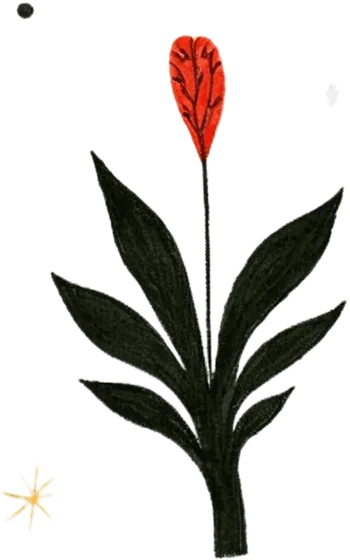
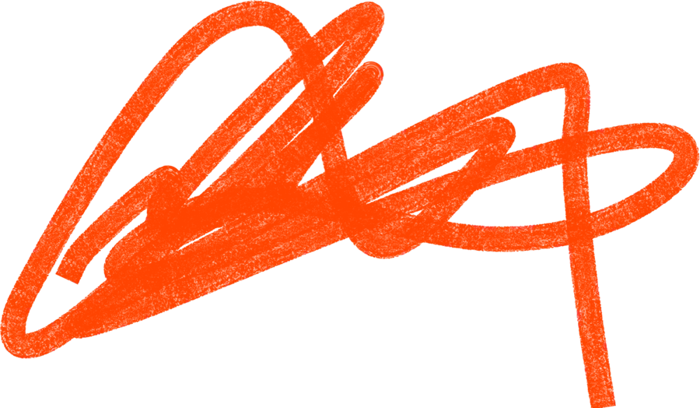
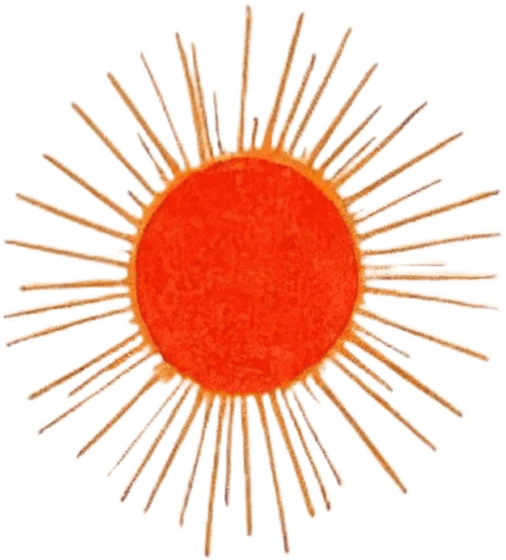
Tattoo-flash scribbles and watercolour marks bring warmth into the precise system — always small, like stamps in a margin. Icons do the opposite job: quiet, functional, exact.
Small marks, big warmth.
Suns, stars, hearts, flowers and scribbles in watercolour and pencil. They are scans with limited resolution, so they always stay small — accents, never heroes.
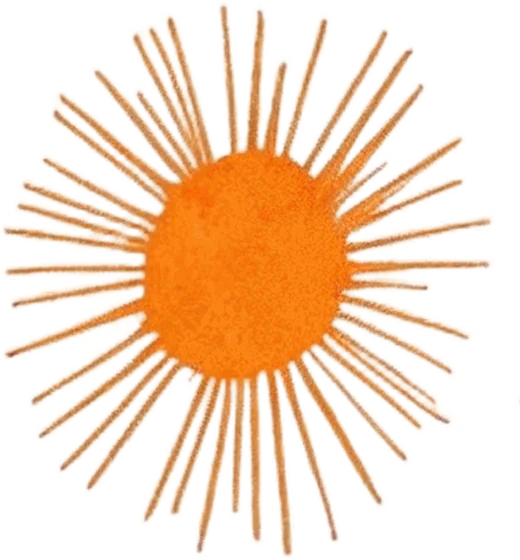
Less, and smaller.
- 01One illustration per composition, two at most.
- 02Maximum size: 15 % of the format’s shorter side (e.g. 160 px on a 1080 px post). Never upscale beyond the source.
- 03Place in margins and corners, with clear space around. Never behind text or the logo.
- 04On paper use multiply blending so the paper shows through. Rotation within ±15°.
- 05Don’t recolour — the palette of the drawings is part of their charm.
- 06Formal documents (invoices, contracts, proposals) stay illustration-free.
A stamp in the margin.
How I place the drawings in real formats: one small mark in a corner or margin, slightly rotated, never touching text or the logo. The layout does the work — the illustration adds the smile.
Ideas into visual reality.
Tereza Mašková · Brand & motion
Make it the hero. Scans stay small — max 15 %.
HeadlinePut it behind text. Keep clear space around it.
Collect them. One per composition, two at most.
Recolour. The drawing keeps its own palette.
24 icons, one spark each.
Custom set on a 24 px grid, 1.75 px stroke, round caps and joins. One element of every icon carries the accent — that is the signature. Files: brand/07-ikony/svg.
62 scribbles, four series.
The complete tattoo-flash dataset from the website, shown at the size it should be used: small. Filter by series.


Web UI icons: Lucide (arrow-right, arrow-down-right, copy, eye, download, pen-tool, monitor, mail, external-link, layers, sparkles, zap, grid-2x2, star, move-diagonal) · Brand icons: custom set above.
Light & movement.
Photography is honest and quiet; motion is springy and precise. Both should feel like my own hand.
Natural light, real hands.
Process over polish: the desk, sketches, paper, dogs, screens in use. Portraits in natural light — in natural colour or grayscale. No colour overlays or duotones, no stock imagery, no staged handshakes.
Spring, then settle.
Things arrive fast and land softly. A slight overshoot gives life to small elements; large surfaces glide without bounce. Respect “reduce motion” settings everywhere.
Default reveal · 600–900 ms
Page transitions · 800 ms
Logo morph, buttons, stickers · 500–700 ms
Things that move on the web.
Live interactions that belong to the brand. Full working demos are in the developer reference.
| 06.3.1 | Star morph logo | Navigation logo — the star turns 90° on hover with a spring. CSS only, 500–900 ms. |
| 06.3.2 | Shockwave grid | 404 page: a grid of stars that rotates and scales towards the cursor; a click sends elastic ripples. Dark and paper versions. |
| 06.3.3 | Mathematical grid | Homepage hero canvas — vector lines bend along sine curves by proximity to the cursor. |
| 06.3.4 | Solid reveal link | Menu items: a solid backdrop slides in behind the text on hover. |
| 06.3.5 | Magnetic button | Buttons follow the cursor within a spring constraint and snap back. |
| 06.3.6 | Pixel page transition | Accent-orange pixel grid wipe between pages (Barba.js). |
| 06.3.8 | Asset choreography | Every template in the brand kit animates the same way: rails fade in → headline rises line by line (1.15 s, power4.out, 90 ms stagger) → images reveal with a clip and settle from 118 % → the star spins in last (back.out 1.8). Posts and stories export as GIF. |
| 06.3.7 | Jelly cursor | Global spring cursor; data-cursor="VIEW" / "DRAG" labels on links and images. |
The voice.
Masterka is one person — me. I always write as “I”, never “we”: briefly, warmly, with a wink. Confident about craft, humble about everything else.
Visual Designer & Creative Soul.
Secondary line: “Turning complex ideas into visuals.”
Say this, not that.
- I design
- I / me / my
- craft
- calm
- playful
- hand-made
- let’s talk
- precise
- story
- tactile
- together
- synergy
- disruptive
- pixel-perfect solutions
- we / our team
- agency
- cheap
- ASAP
- guru
- !!!
Ready to paste.
Visual Designer & Creative Soul. Multi-format multimedia creator with an adaptive workflow — implementing AI on the way.
Vizuální designérka & kreativní duše. Multiformátová multimediální tvůrkyně s adaptivním workflow — s AI na cestě.
I’m Tereza Mašková, a Prague-based visual designer behind Masterka. I build brand identities, motion and websites — and I still love drawing and painting by hand. I like precise systems with a human pulse.
Jsem Tereza Mašková, vizuální designérka z Prahy a autorka značky Masterka. Tvořím vizuální identity, motion a weby — a pořád ráda kreslím a maluju rukou. Mám ráda přesné systémy s lidským tepem.
Layout & interface.
How the identity behaves on screen: the grid, the proportions, the bento system and the components that build the website.
Four shapes for everything.
12-column grid. Gutters 24 px (mobile) / 32 px (desktop). Page padding 24 px / 128 px vertical rhythm. Cards radius 40 px.
Asymmetry & harmony.
Feature grids are built from five card types. Mix sizes, keep the gaps equal, never more than one gradient card per grid.
Large bento block
Primary features, profile intros, featured case studies.
Dark block
Gradient block
Dashed border, generous padding.
Stats & horizontal lists
The parts of the website.
Buttons, tags, feedback, inputs and navigation — live, in brand colours.
Link copied — paste it anywhere.
Instrument Serif italic for contrast.
Patterns from practice.
Extracted from the Aeroscan and Lákavá case studies — reuse them so every project page feels like the same publication.
| 08.4.1 | Project intro | Dark hero with canvas grid, case-study pill (year · client) and the project name set in serif with an italic accent word. |
| 08.4.2 | Section stacking | Each section overlaps the previous one: border-top radius 3 rem, margin-top −3 rem, rising z-index. Hero → logo → system → typography → showcase. |
| 08.4.3 | Stats bar | Four cells — client, category, focus, year — with hover accent and gradient dividers. |
| 08.4.4 | Values grid | Three cards with a coloured marker, number and one-sentence value; a top accent bar animates in on hover. |
| 08.4.5 | Colour panels | Expandable vertical swatches (flex 1 → 4) revealing name and value on hover. |
| 08.4.6 | Application marquee | Infinite horizontal strip of applications, pauses on hover, two duplicated tracks for a seamless loop. |
| 08.4.7 | Dark editorial | Huge two-line statement (“Driven / by Art”) with a glass card listing tools used. |
Every page ends with an invitation.
In the wild.
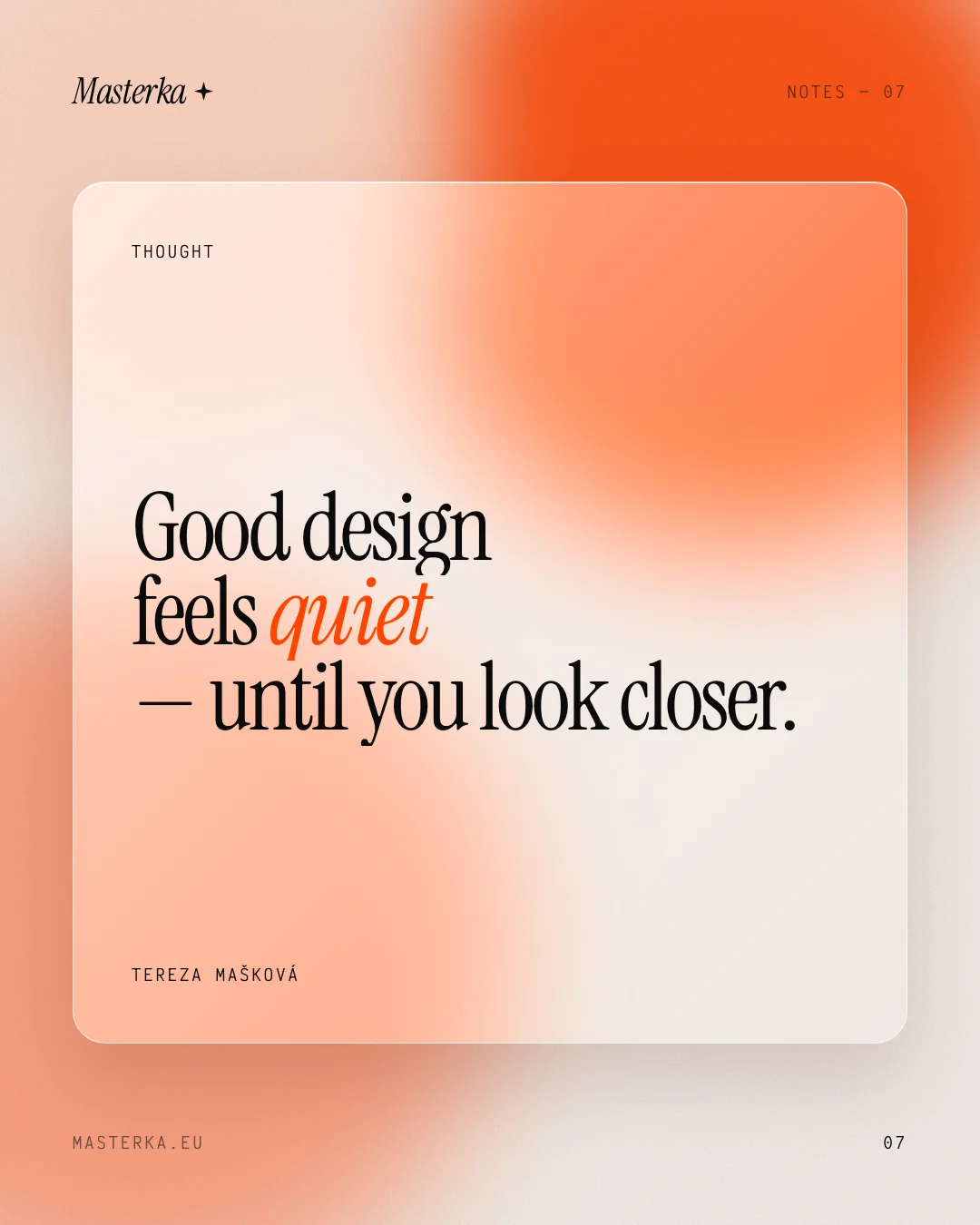
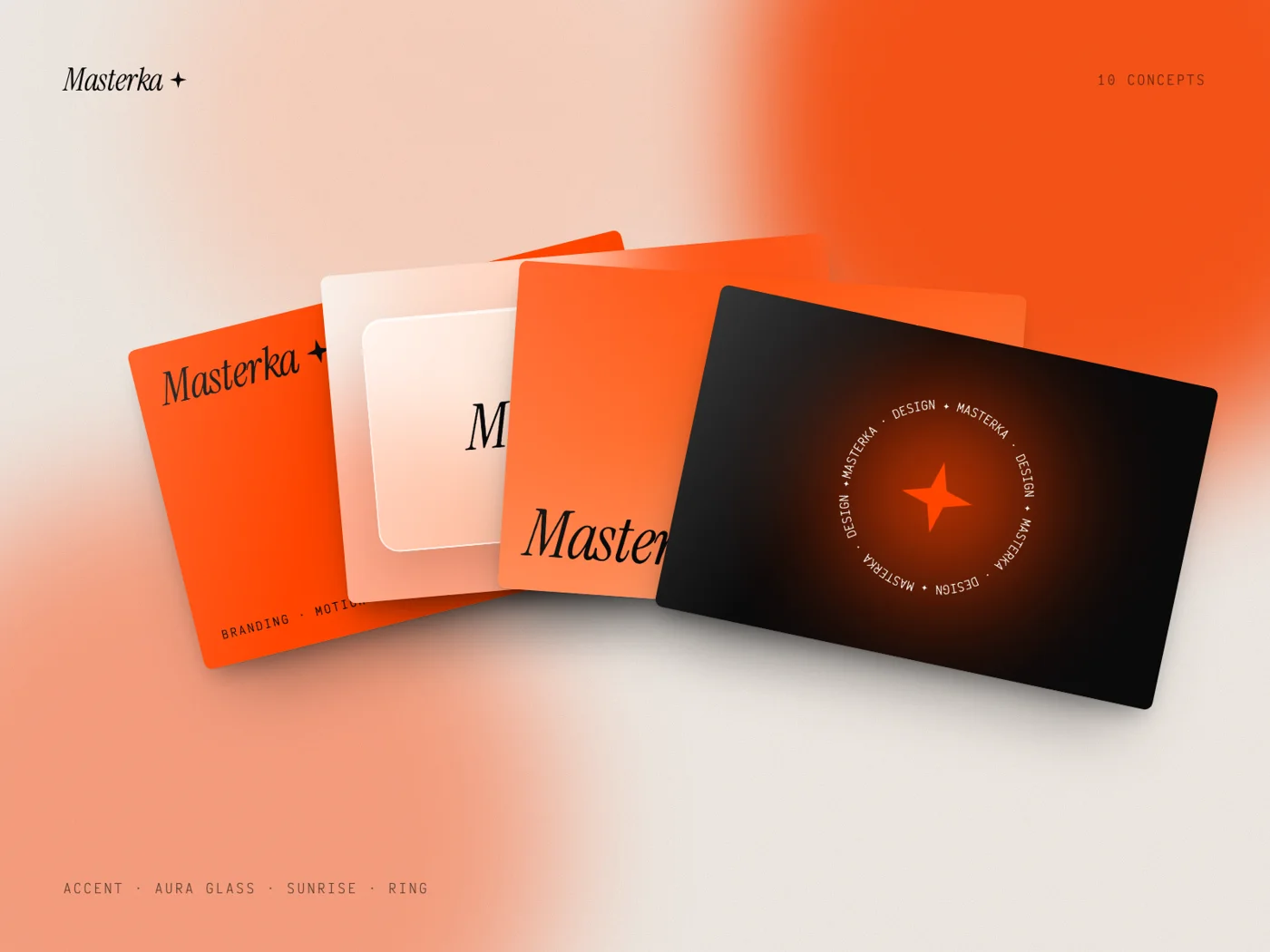
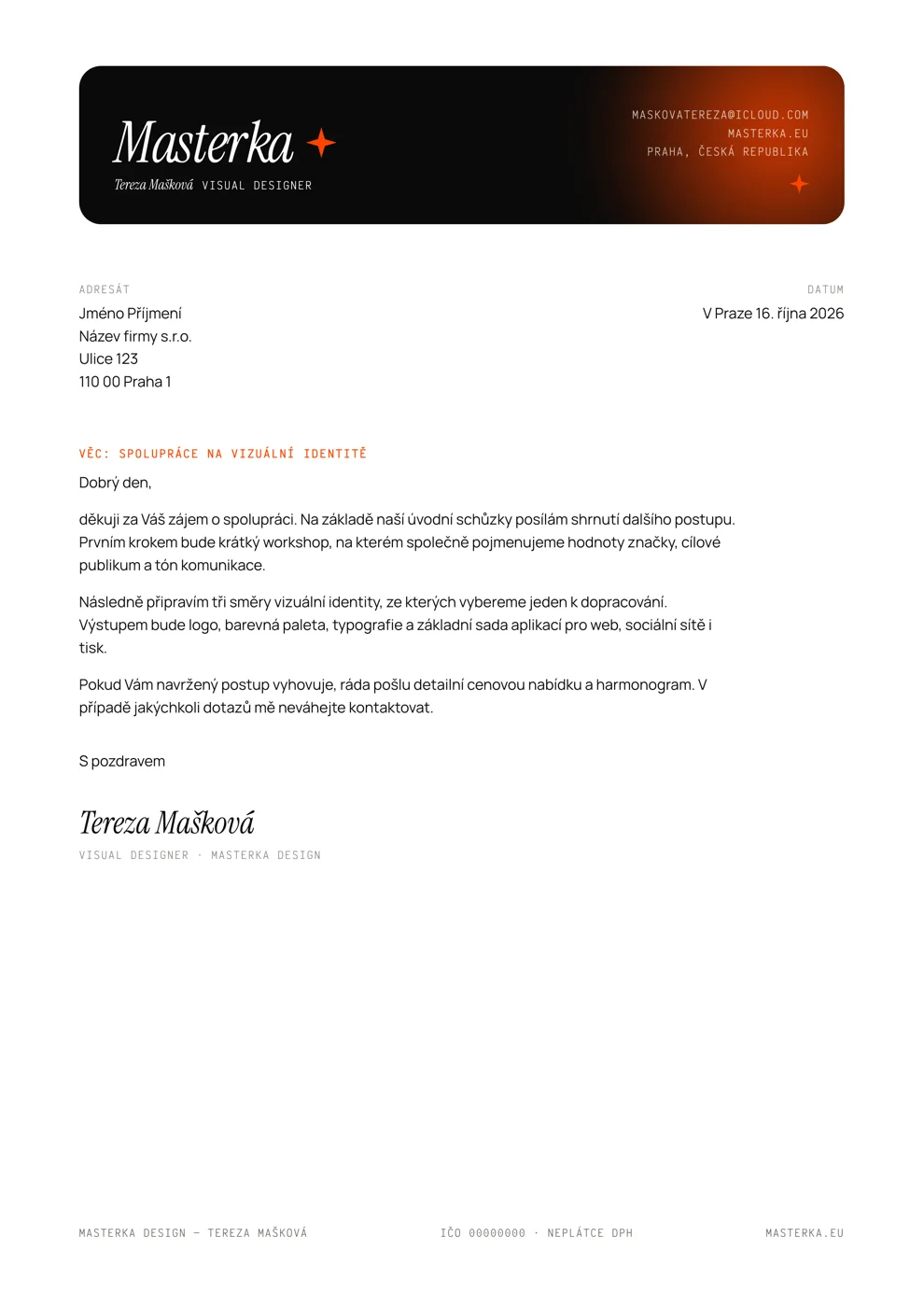
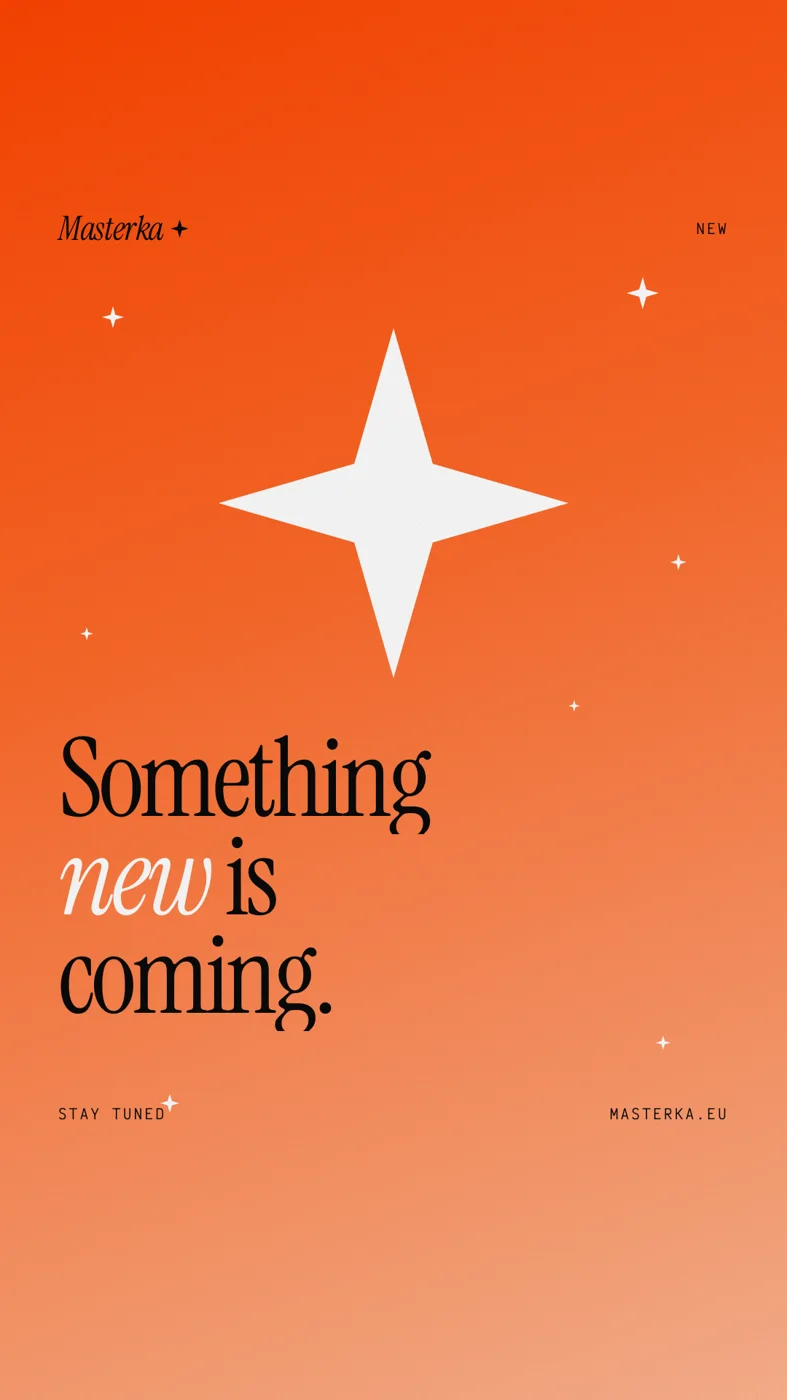
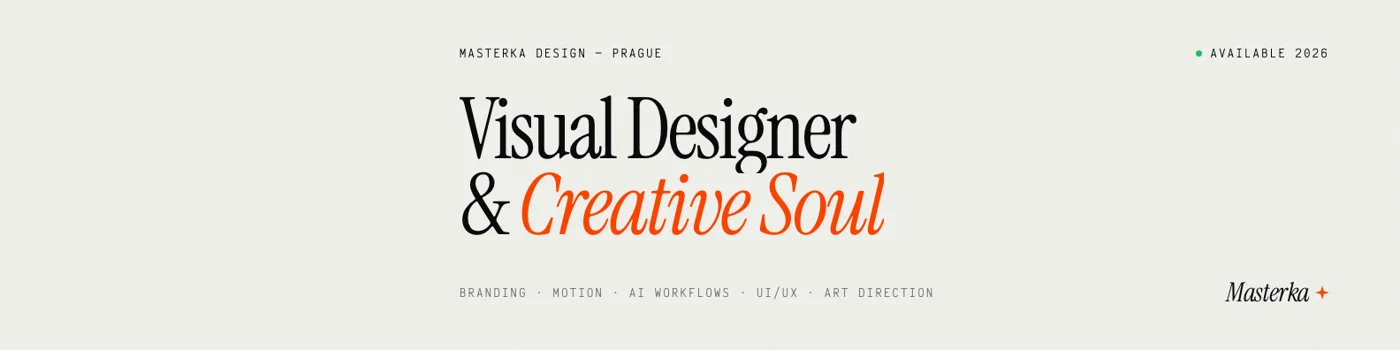
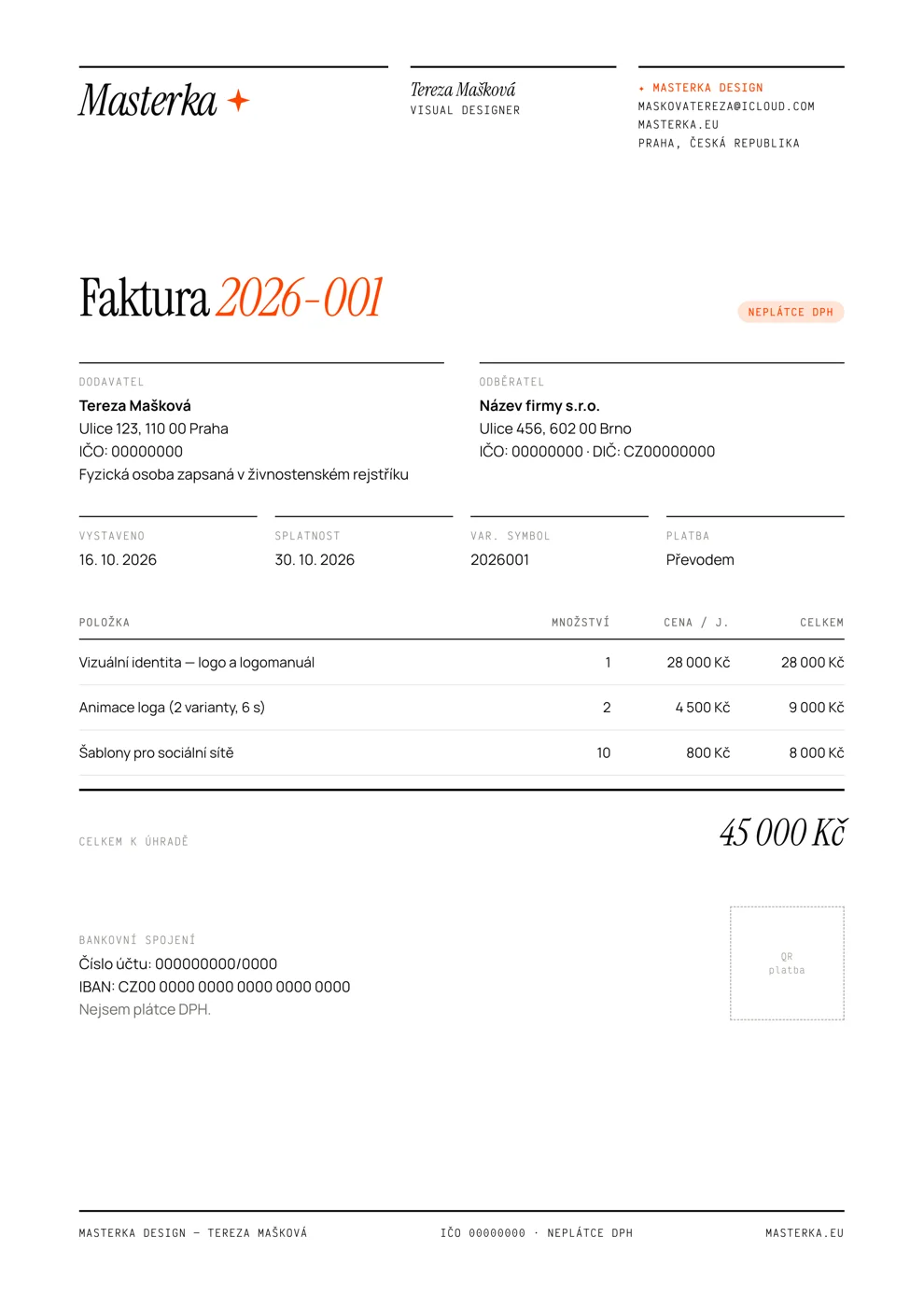
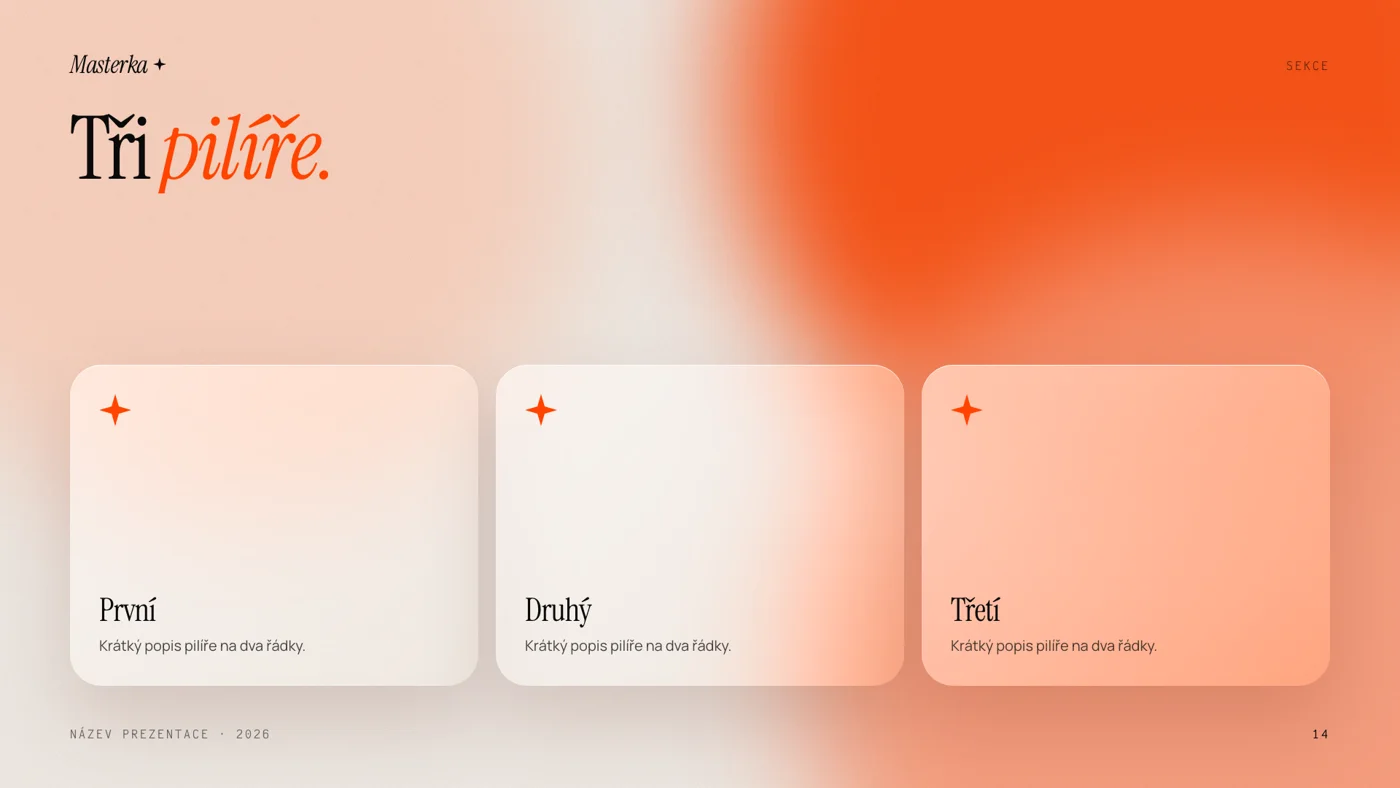
My full template kit — social, print, documents and an interactive presentation — lives in the brand/ folder. One layout system for every format, built-in safe zones and motion.
A system, in use.
Scroll sideways through a selection of the template kit. Every format exists in five or more versions.

Respect the interface.
Every platform covers part of your image with its own UI. Text and logo stay inside the safe area; illustrations may run into the rest.
| Format | Size | Keep clear | Safe area |
|---|---|---|---|
| LinkedIn banner | 1584 × 396 px | Bottom-left avatar (desktop & app), top-right icons | x 520–1504 · y 48–348 |
| X header | 1500 × 500 px | 60 px top & bottom crop, avatar bottom-left | x 420–1420 · y 80–420 |
| Behance banner | 3200 × 410 px | Outer 640 px crop on smaller screens | centre 1520 × 290 |
| YouTube banner | 2560 × 1440 px | Everything outside the centre band (TV only) | centre 1546 × 423 |
| Profile picture | 1080 × 1080 px | Corners — circular crop | circle r 430 px |
| Post / carousel | 1080 × 1350 px | 34 px sides (IG 3:4 grid), LinkedIn page counter | 80 px margins |
| Story / Reels | 1080 × 1920 px | Top 250 px, bottom 340 px | y 250–1580 · 64 px sides |
| Business card | 85 × 55 mm | 2 mm bleed | 4 mm inside trim |
| A4 document | 210 × 297 mm | 5 mm printer margin | 18 mm sides · 15 mm top & bottom |
Approved signatures.
Four elements I chose as the purest expression of the brand. When in doubt, look here.
Turning complex ideas into visual reality.
Mediaboard needed a visual identity bridging complex data and intuitive experience — human and expressive, not sterile.
Take it with you.
Vector logos are outlined — no fonts needed. The complete kit with templates, exports and tools lives in the project’s brand/ folder.

Built with.
Brief the machine.
When extending the portfolio with AI tools, paste this context first. It condenses the whole brand book.